A native client that turns your own Tvheadend server into a full TV experience — on Android TV, set-top boxes and phones. Here is a walk-through of the app, screen by screen.
Build 29 adds a redesigned Modern interface next to the familiar Classic one, each in light and dark. Switch the screenshots below to compare — in the app you choose in Settings → General.
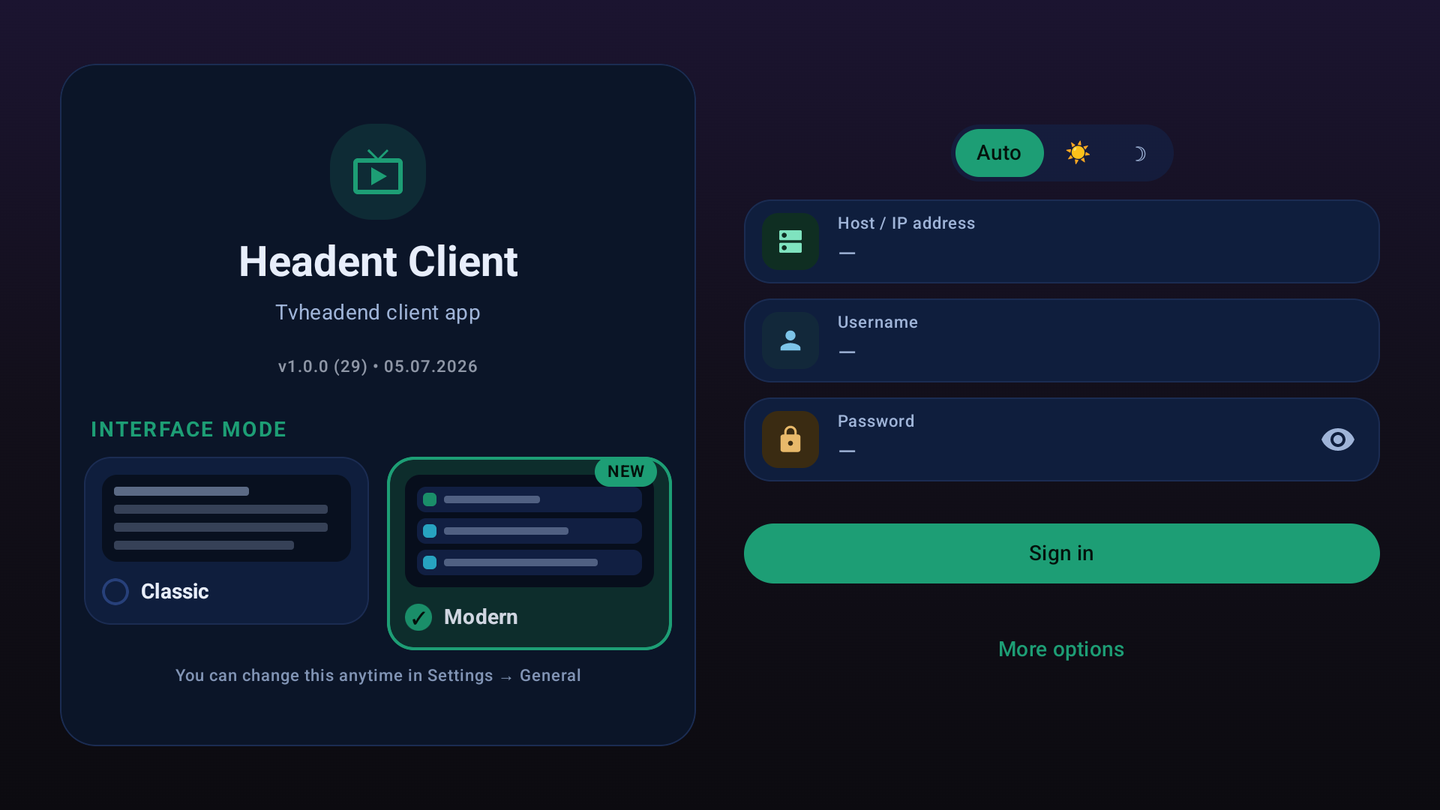
On first launch you enter your Tvheadend host, plus a username and password if your server needs them. You can pick the interface style right here, and change it later in Settings.
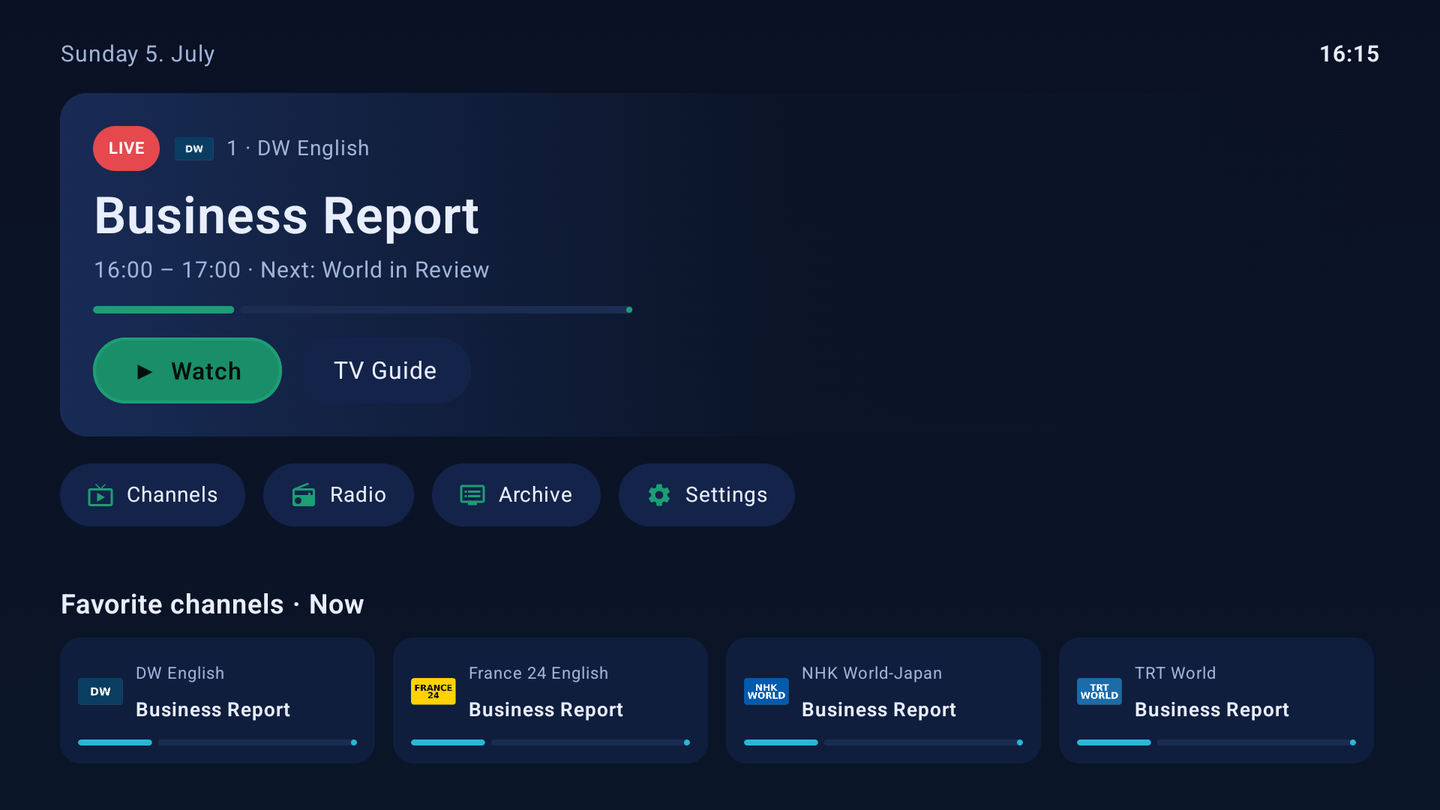
The home screen is laid out for a remote: large tiles for Channels, Radio, TV Guide, Archive and Settings, full D-pad navigation, and it remembers the last channel and section after a reboot.
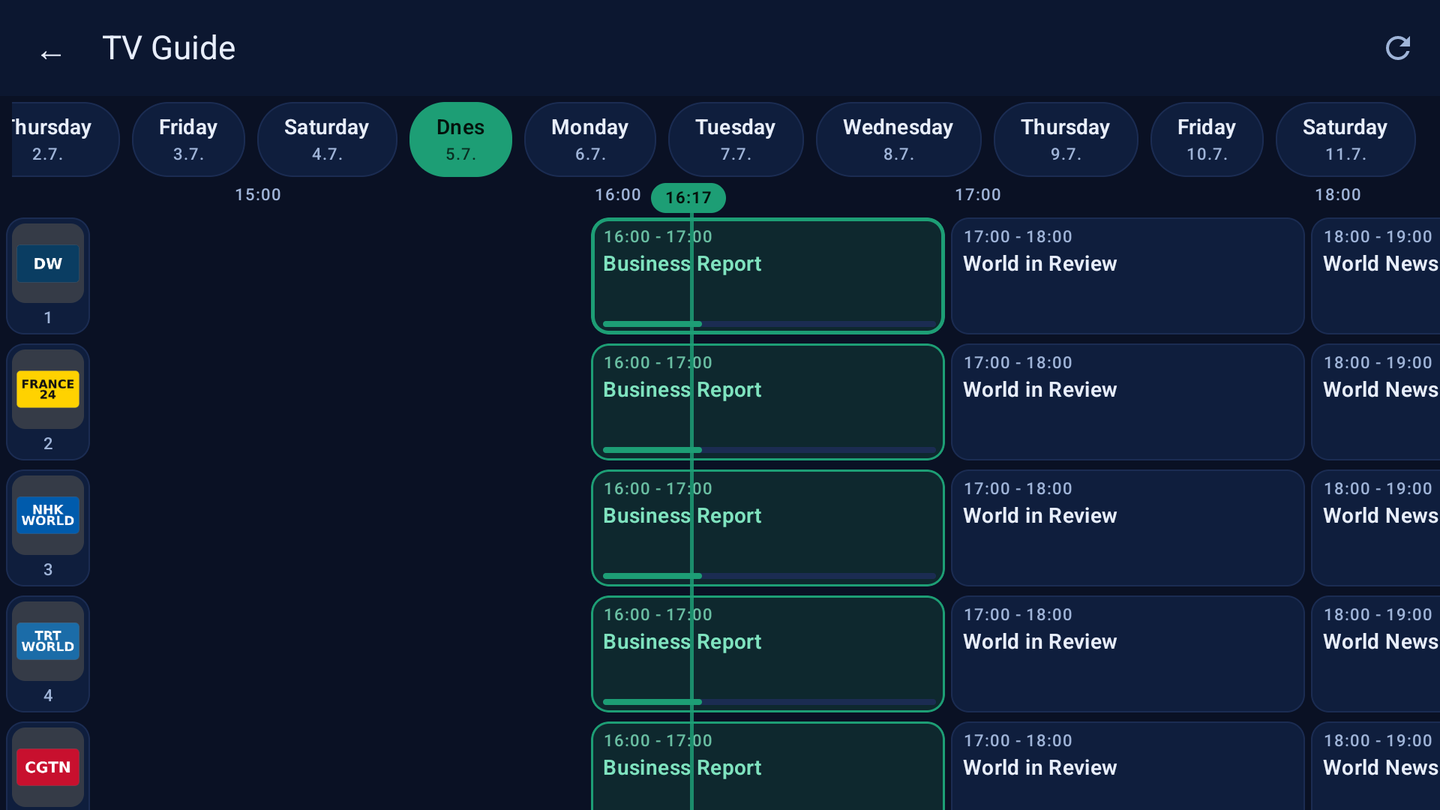
A grid EPG with day tabs, a live now-line and channel picons. Jump across the schedule, open a programme and go straight to live or to the recording.
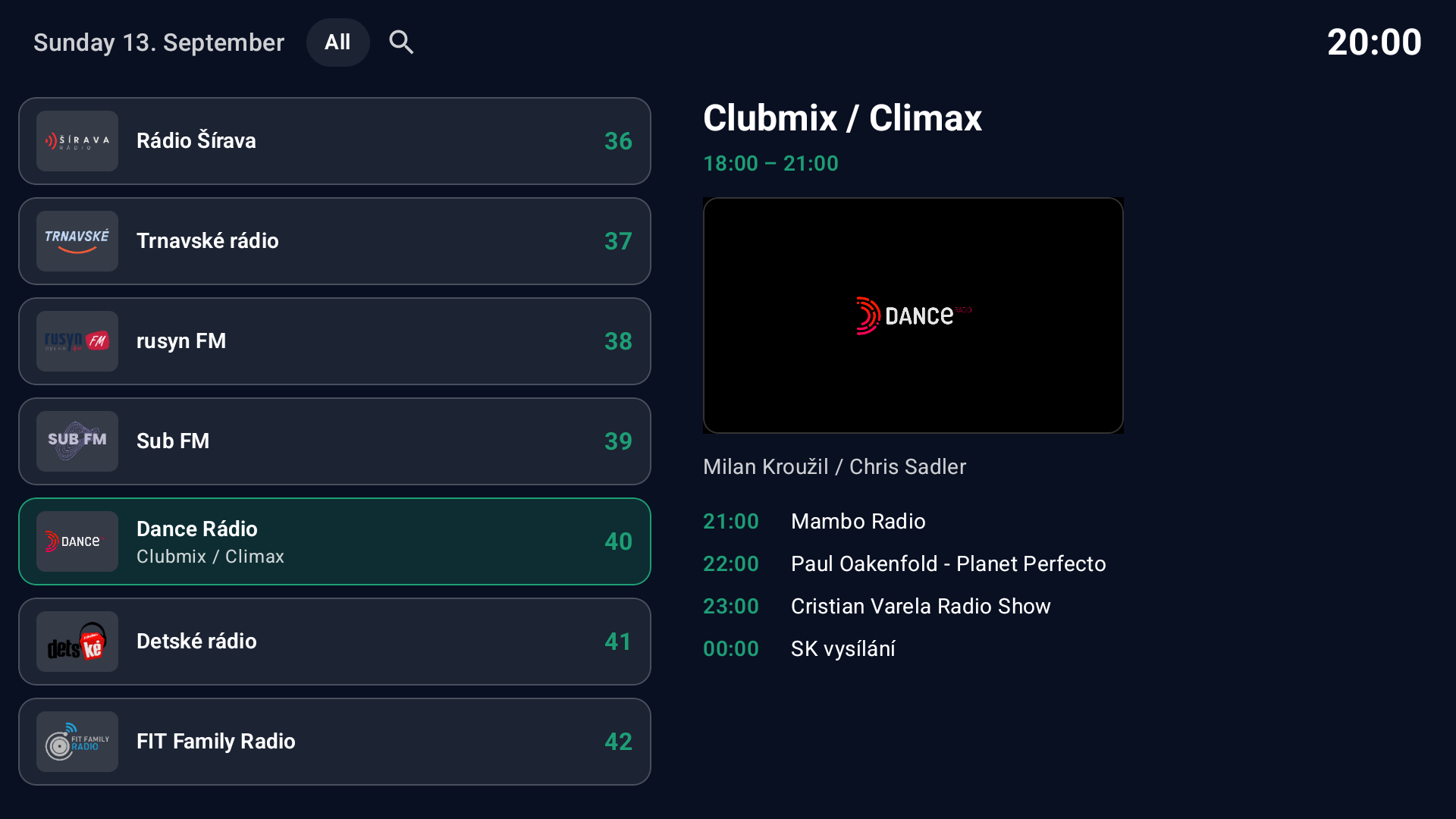
Radio services from your server get a dedicated section with logos and now/next info, so audio streams are not buried among the TV channels.
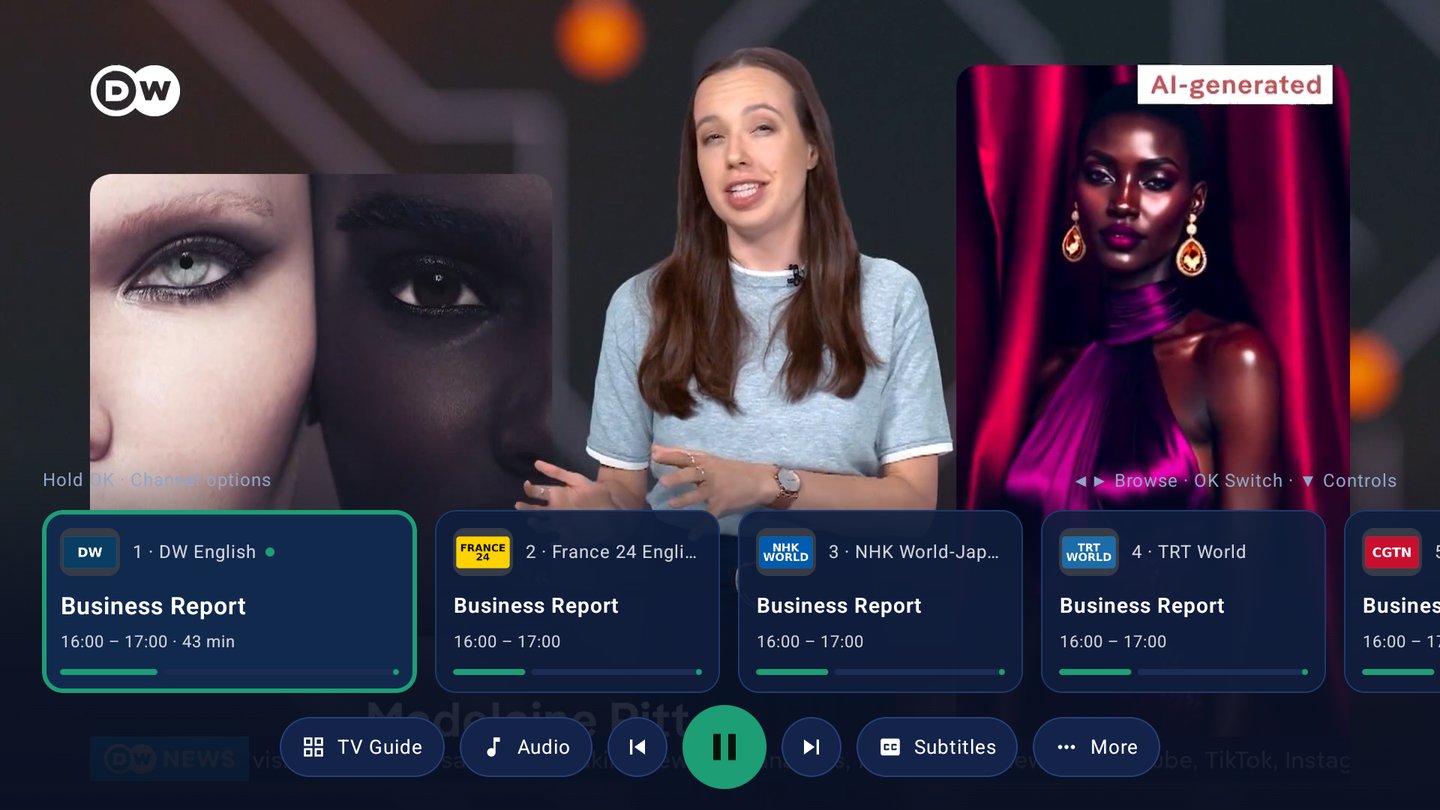
Clean controls that stay out of the way until you need them.
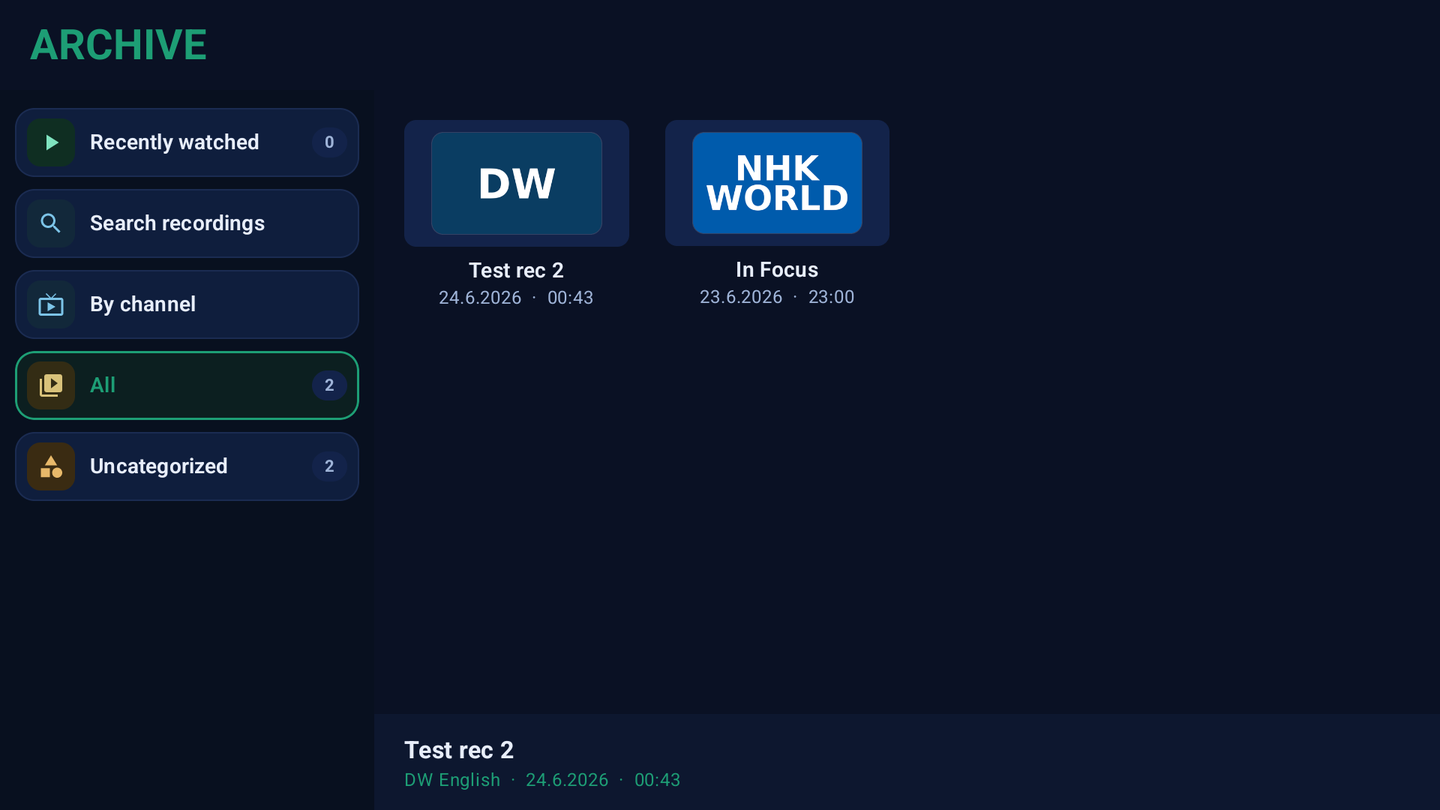
Browse recordings by recently watched, by channel or all at once, search them, and play them back with resume. For channels that support it you can scrub back through the catch-up window.
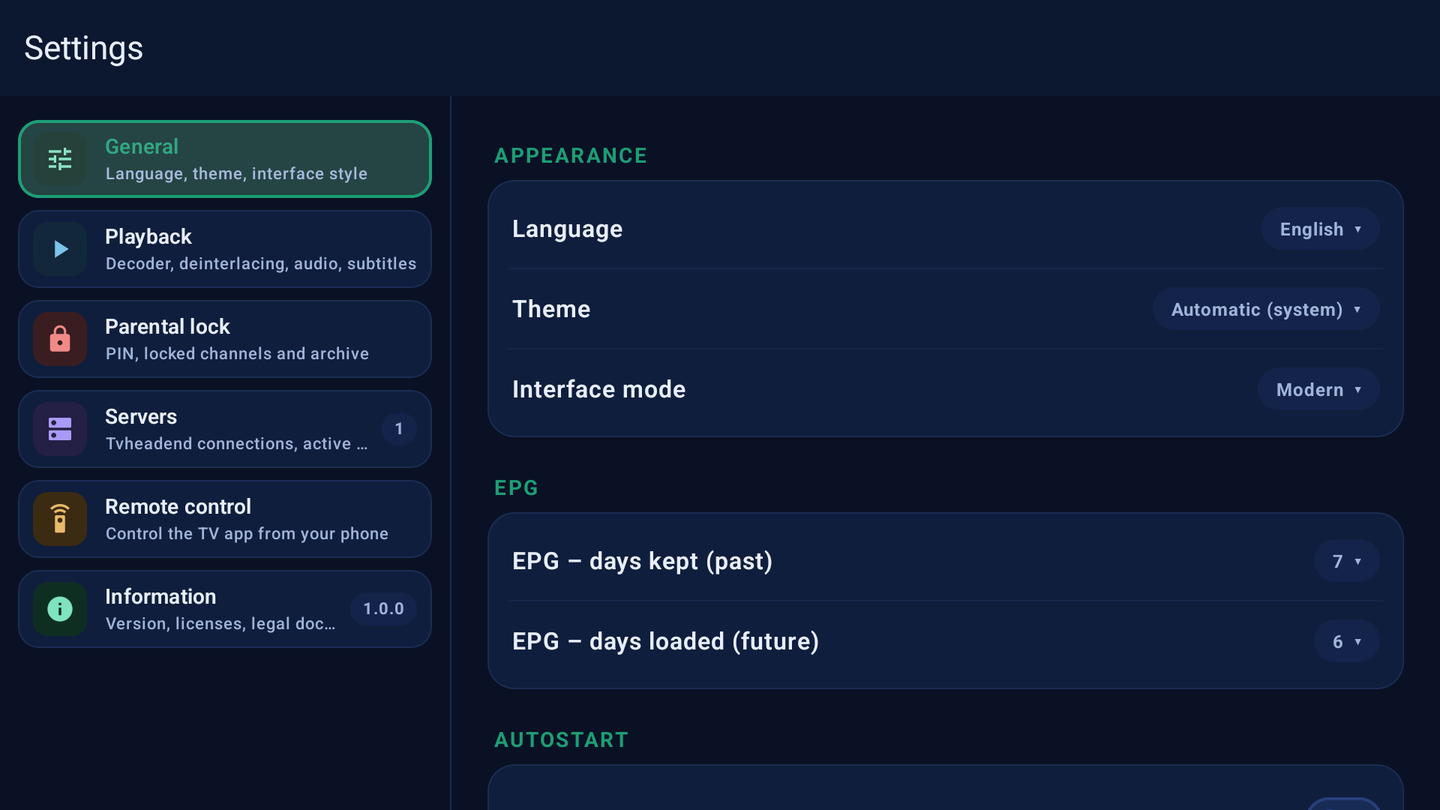
Language, theme and interface style, EPG range, playback and decoding, parental lock, several servers and phone remote control — all grouped into clear sections.
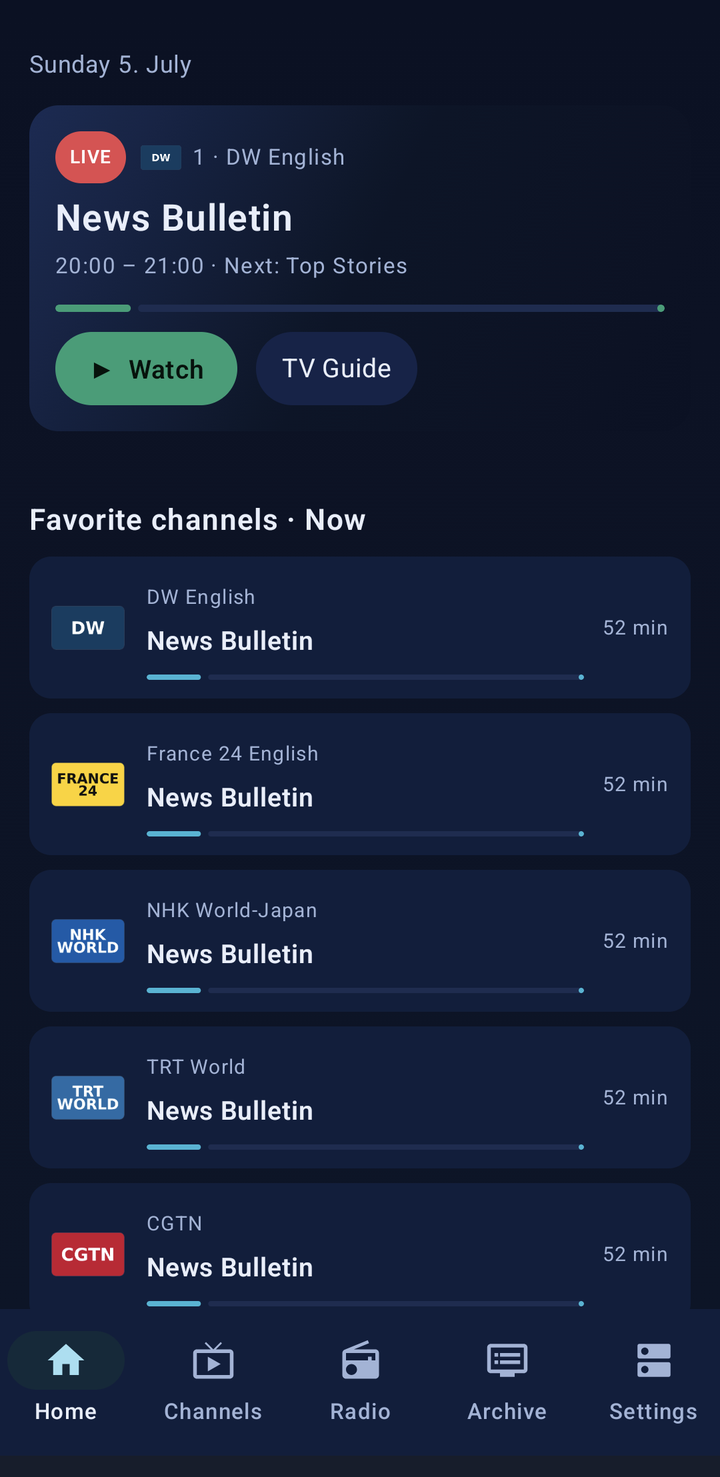
The modern layout adds a phone home screen with a live now-card and a rail of your favourite channels. Modern interface only.
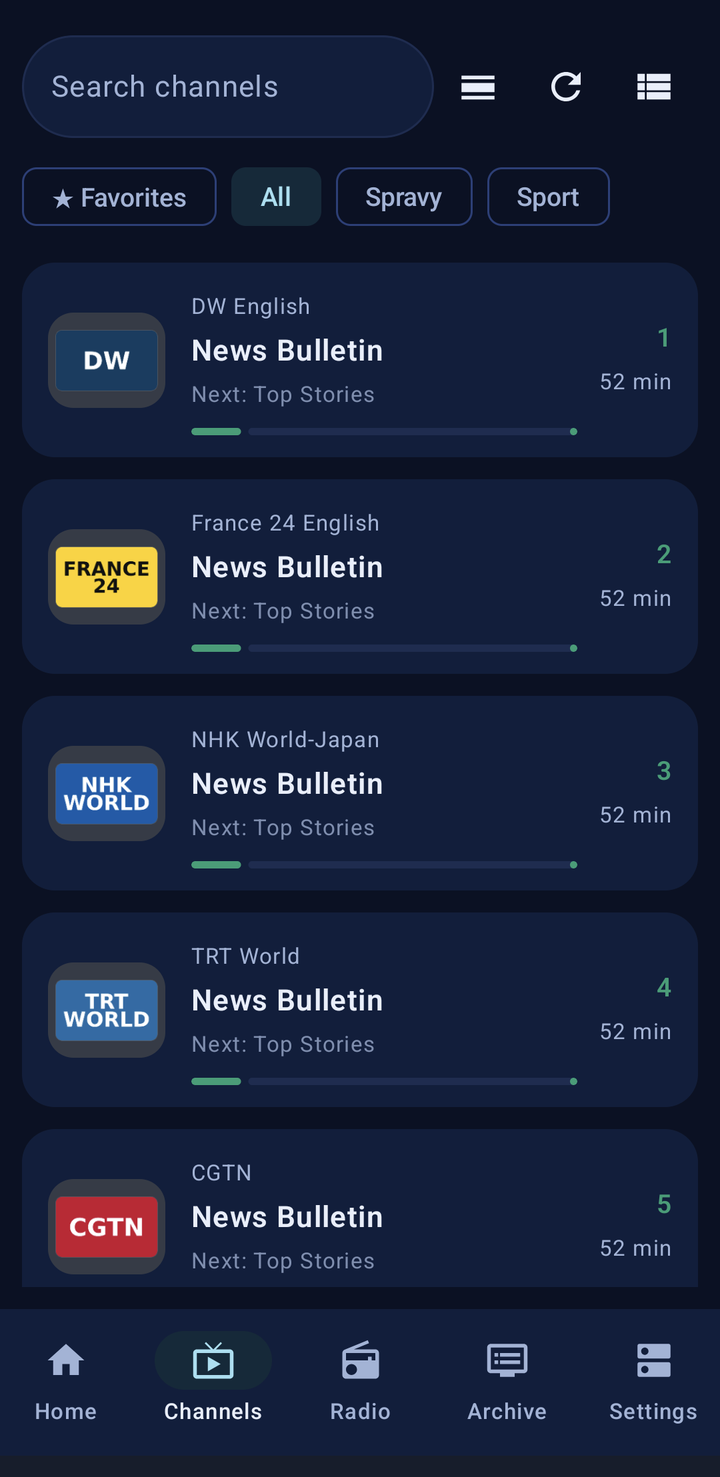
One app, one codebase — the phone layout keeps search, favourites and category tabs, with a simple bottom bar for Channels, Radio, Archive and Settings.

Open the whole channel list as a full-screen view with numbers, picons and the current programme — handy on a phone.
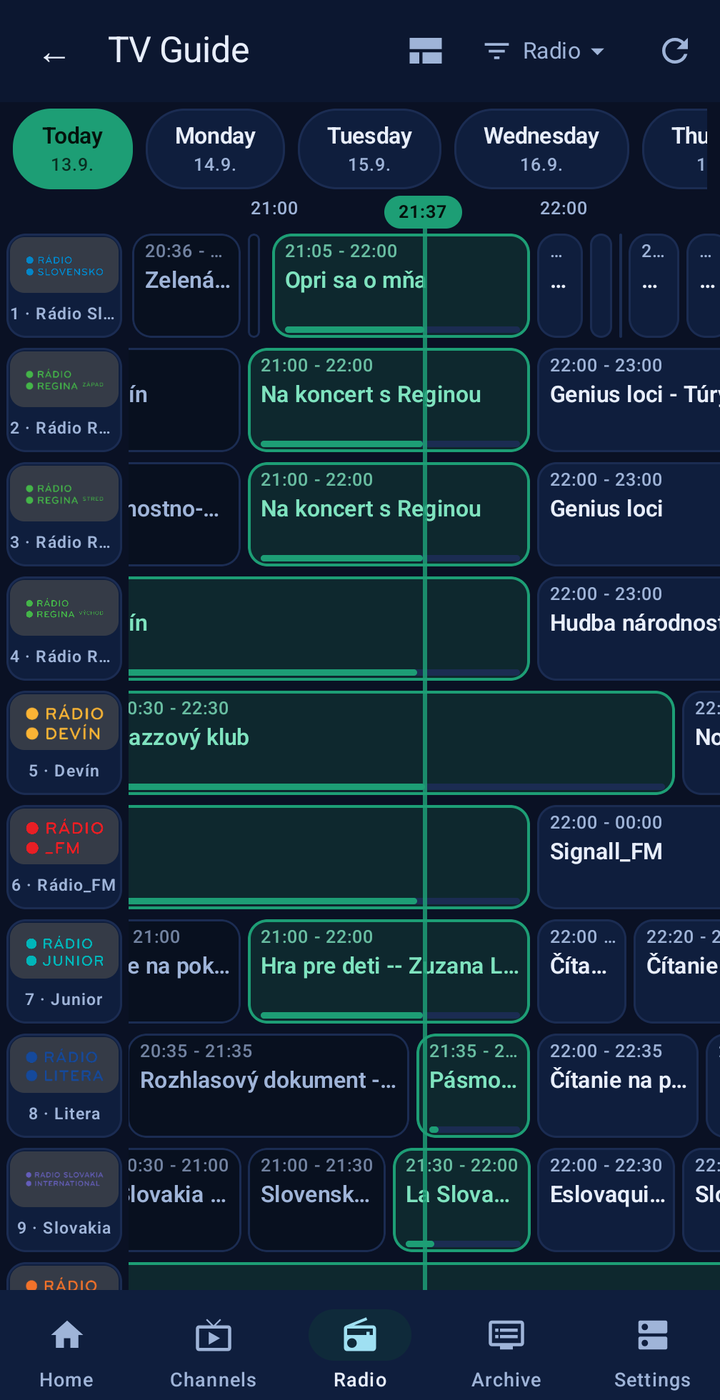
A grid EPG with day tabs, a live now-line and channel picons. Jump across the schedule, open a programme and go straight to live or to the recording.
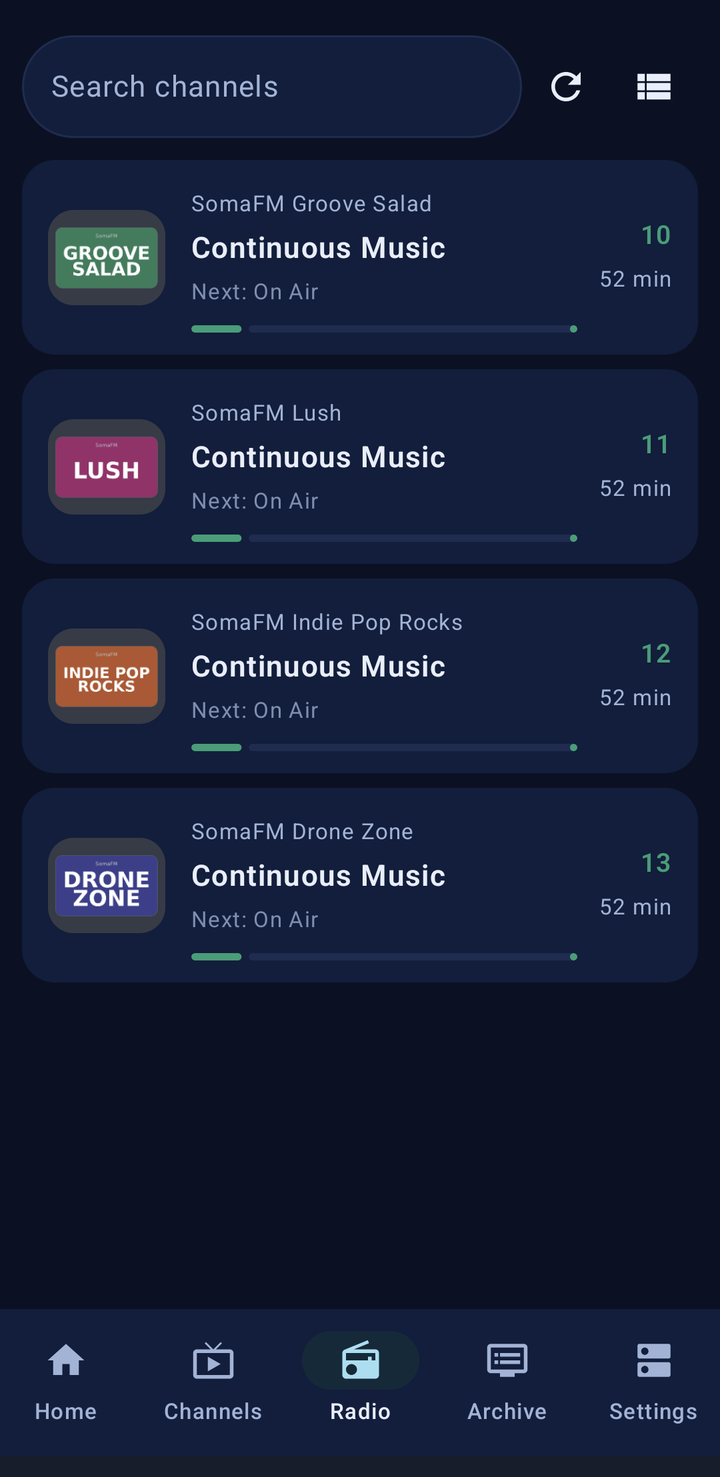
Radio services from your server get a dedicated section with logos and now/next info, so audio streams are not buried among the TV channels.
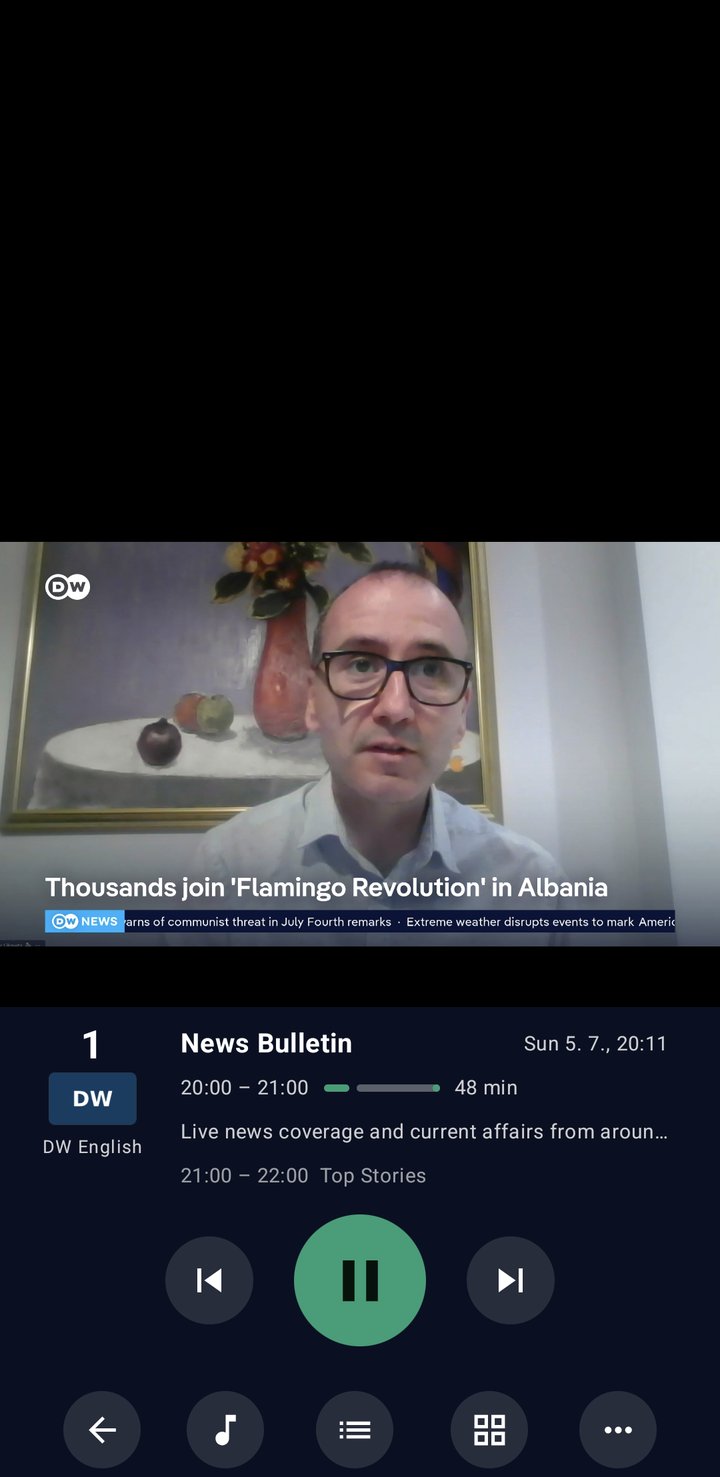
Clean controls that stay out of the way until you need them.

Browse recordings by recently watched, by channel or all at once, search them, and play them back with resume. For channels that support it you can scrub back through the catch-up window.
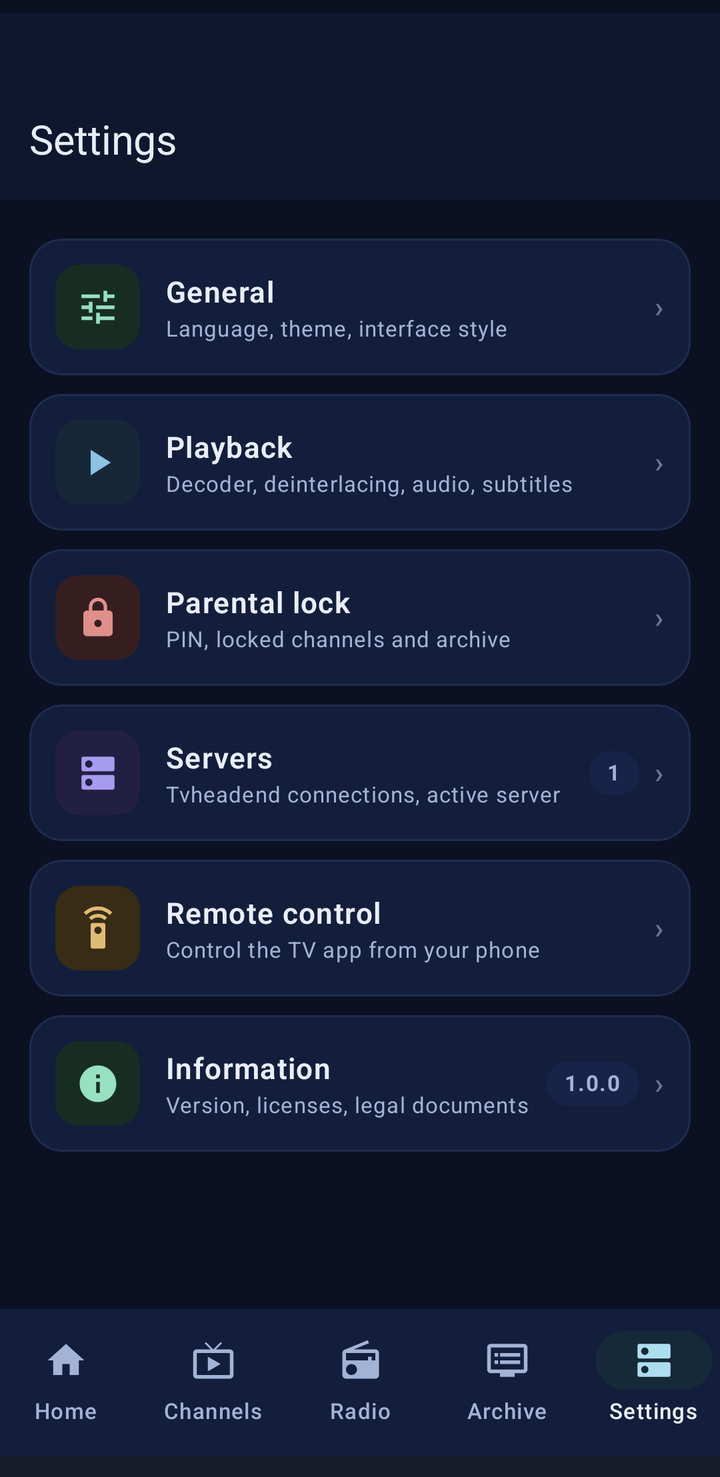
Set it up the way you like — and nothing leaves your device except the connection to the server you choose.
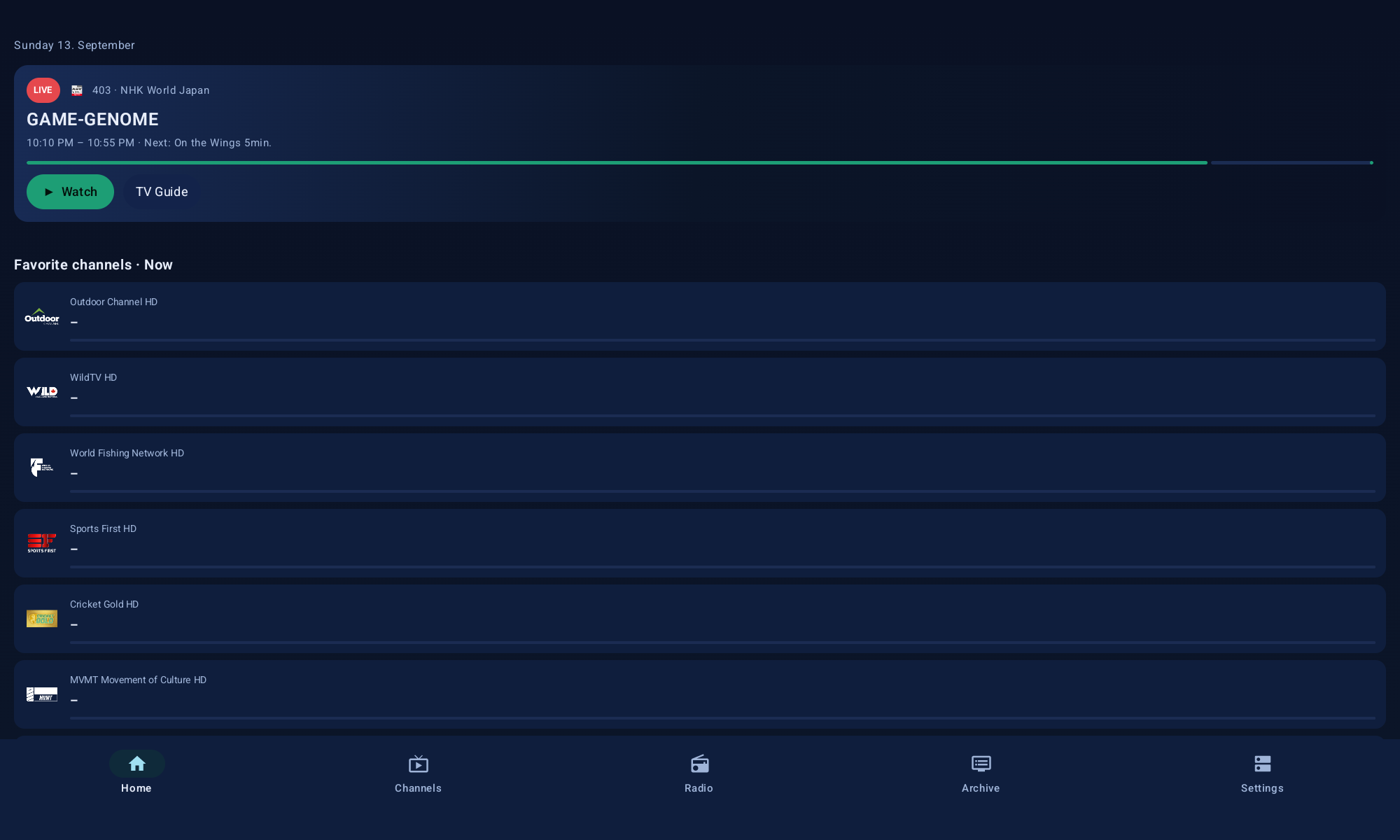
On a tablet the modern layout spreads out: the live now-card on top, your favourite channels below and a bottom bar for Home, Channels, Radio, Archive and Settings. Modern interface only.
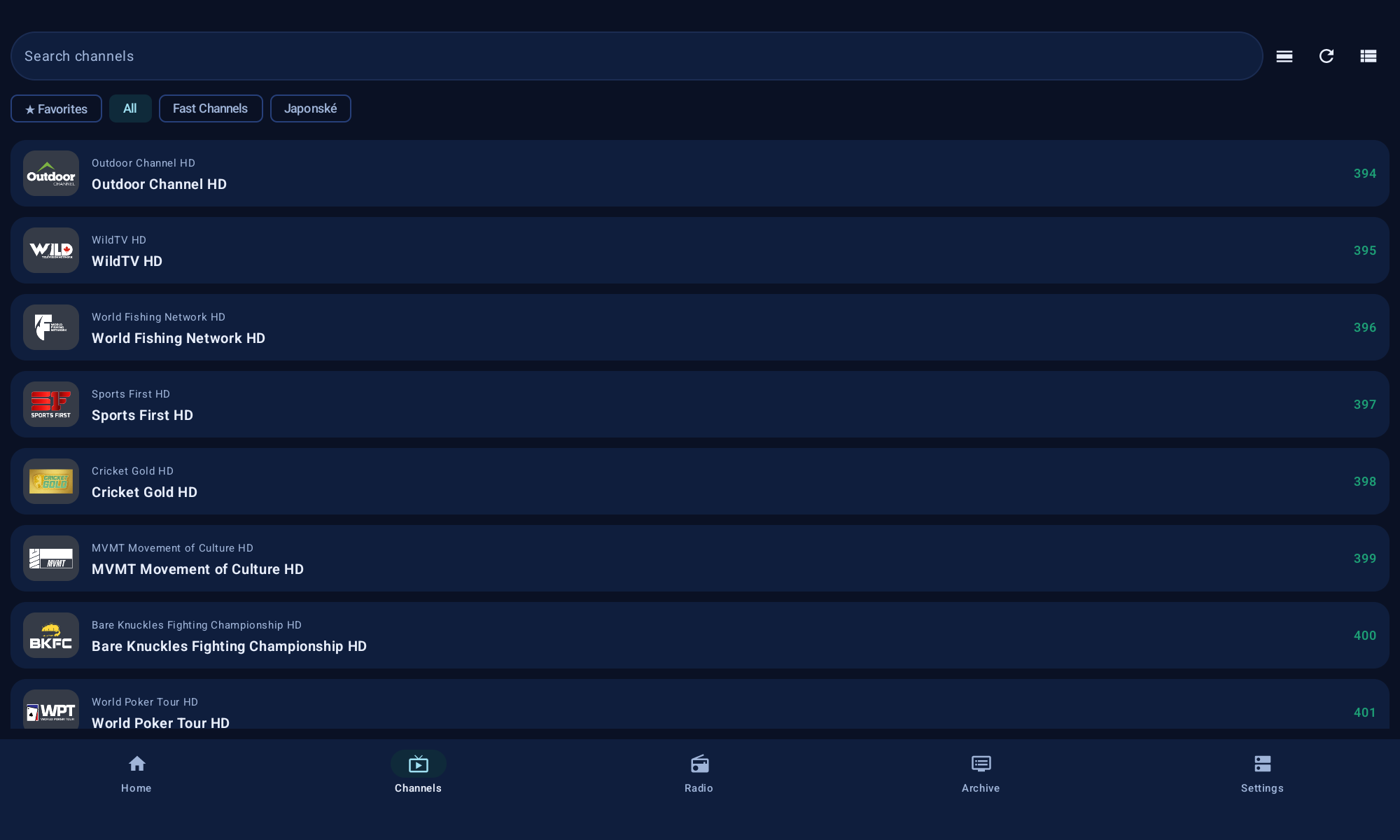
The same app on a tablet — channel lists, guide and archive stretch across the full width, with search, favourites and category tabs always within reach.
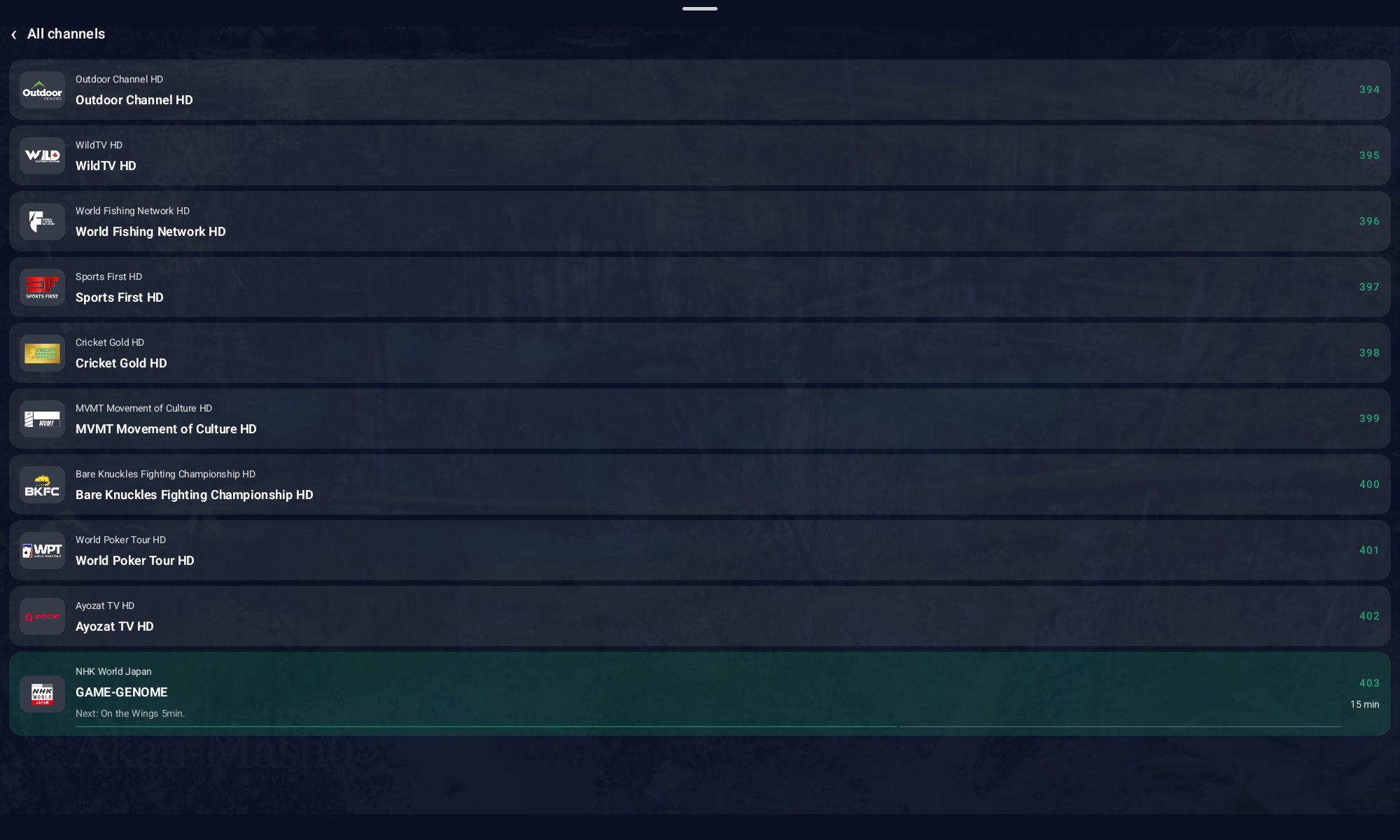
Open the whole channel list as a full-screen view with numbers, picons and the current programme — handy on a phone.
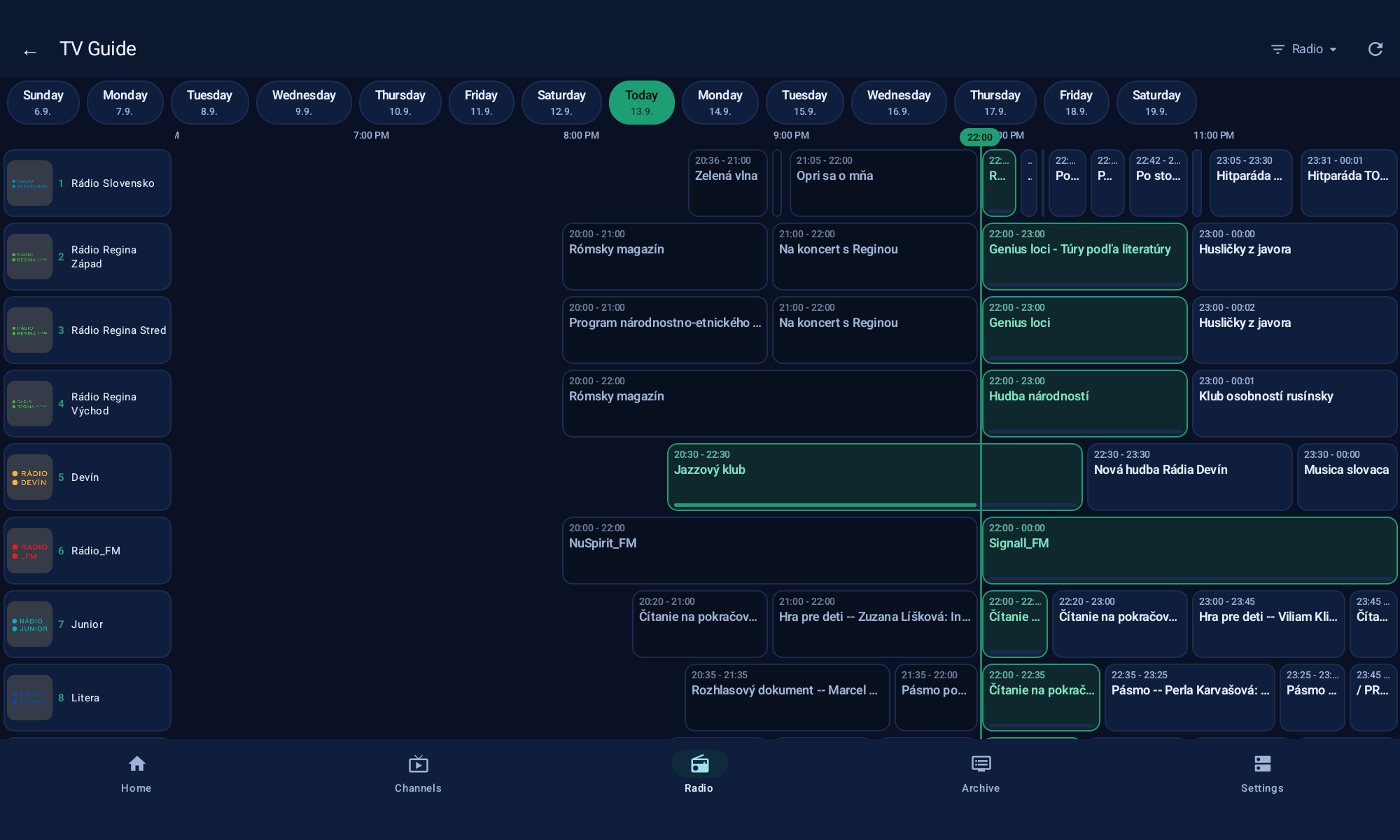
A grid EPG with day tabs, a live now-line and channel picons. Jump across the schedule, open a programme and go straight to live or to the recording.
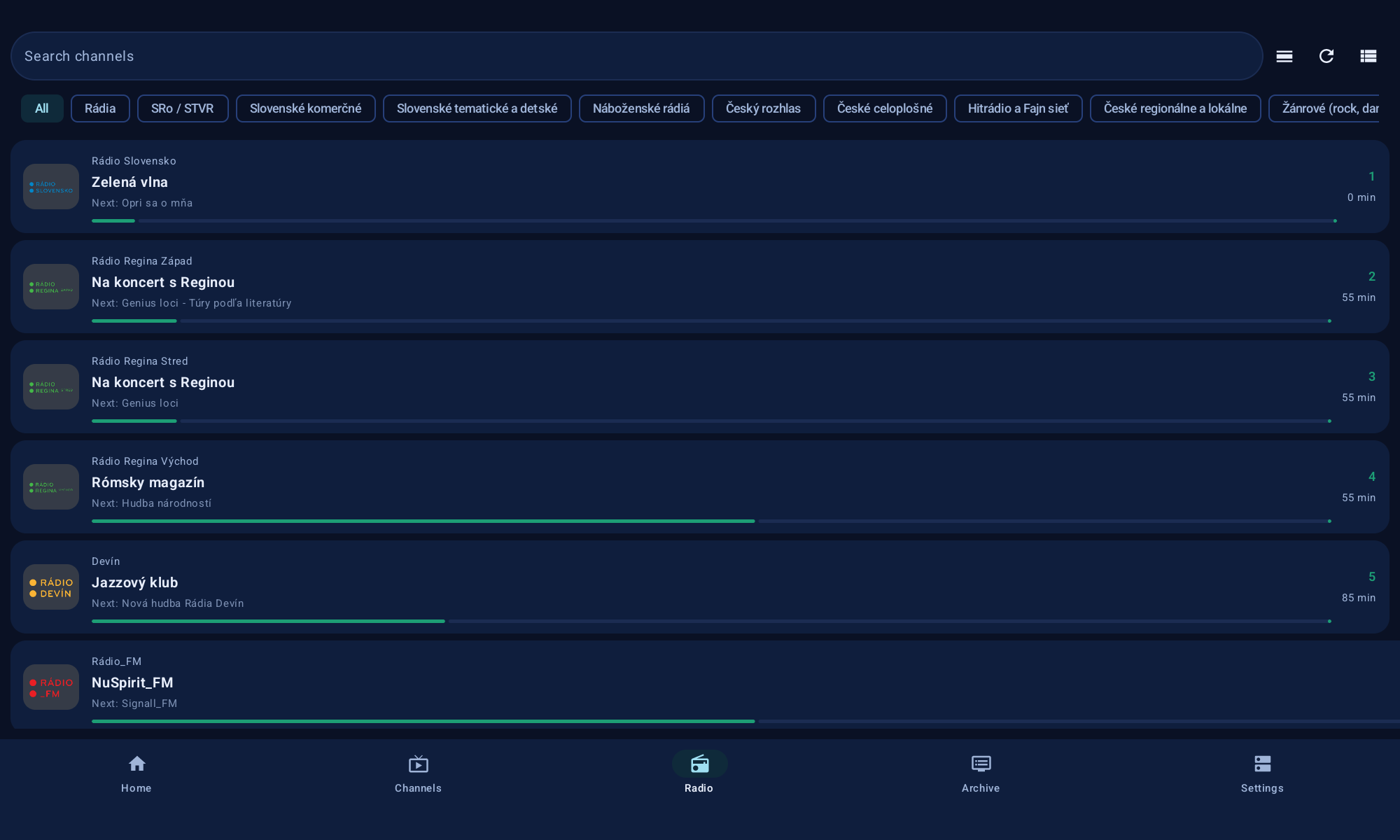
Radio services from your server get a dedicated section with logos and now/next info, so audio streams are not buried among the TV channels.
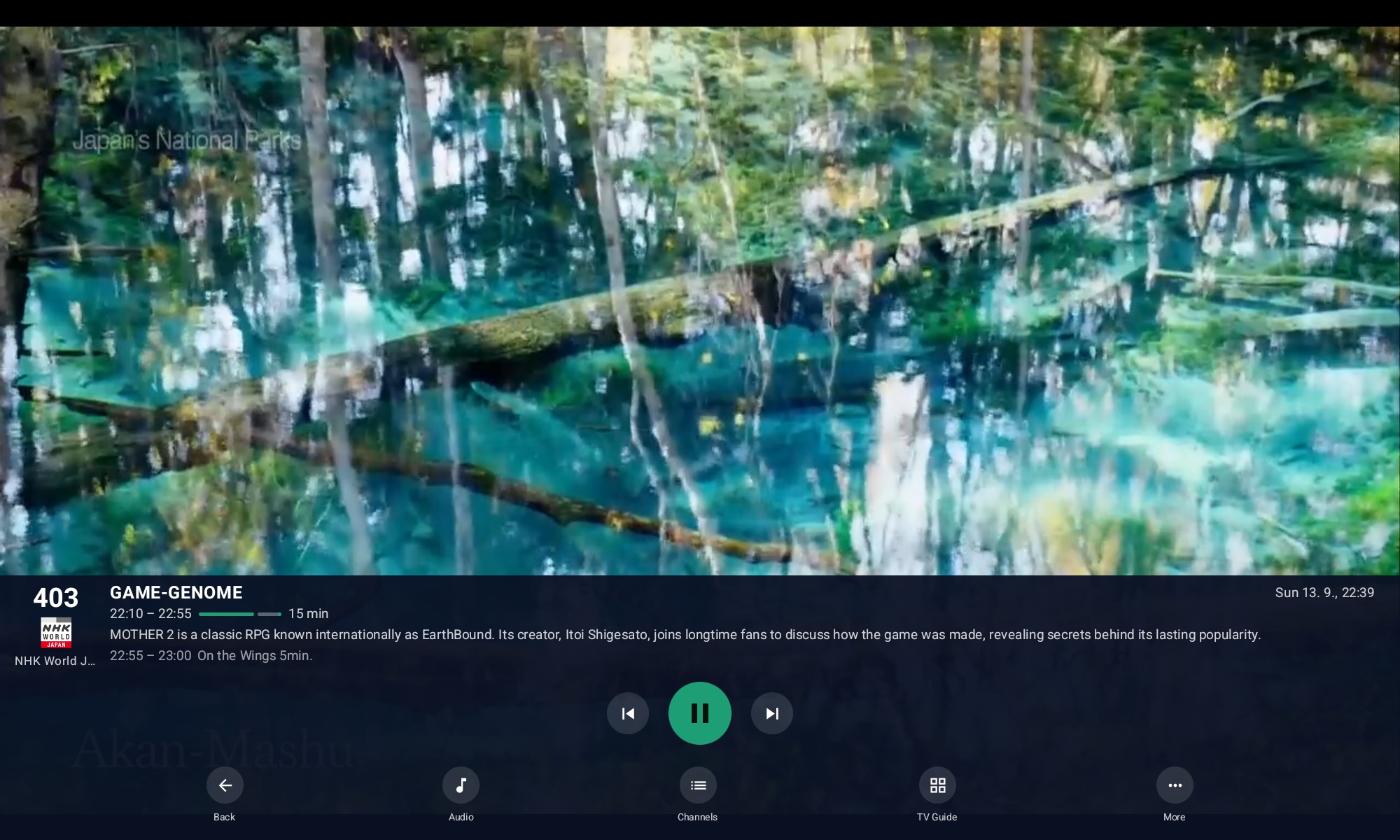
Clean controls that stay out of the way until you need them.
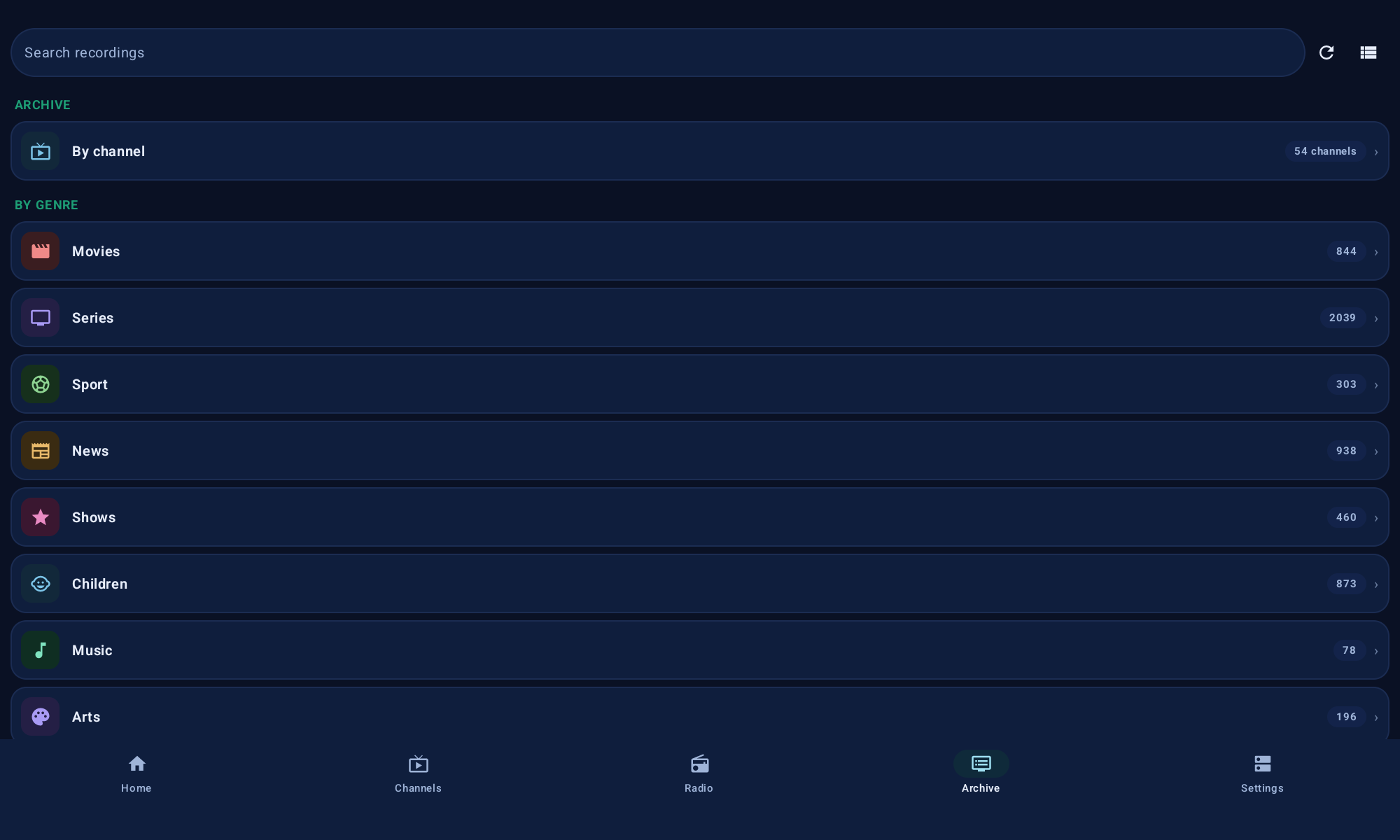
Browse recordings by recently watched, by channel or all at once, search them, and play them back with resume. For channels that support it you can scrub back through the catch-up window.
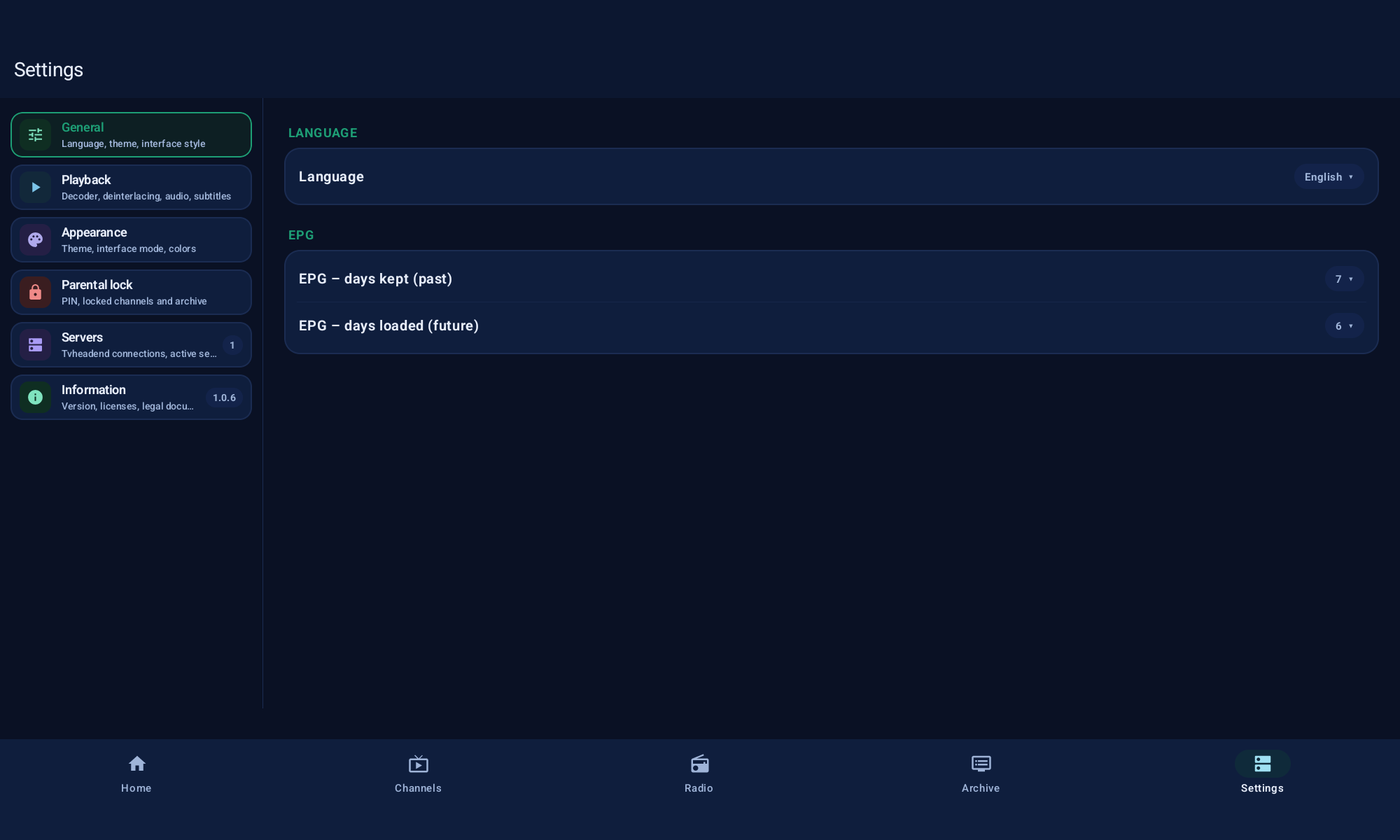
Language, theme and interface style, EPG range, playback and decoding, parental lock, several servers and phone remote control — all grouped into clear sections.
The app is available on Google Play. Install it, or browse the source on GitHub.
Transparent, community funding — chip in once or monthly. A voluntary donation with no rewards in return.
Support on Open Collective